Omne FAQs
Frequently asked questions about Omne
What Omne does today, what's still being built, what it costs and where your data lives. Each answer says plainly which parts are ready and which aren't.
Browse FAQsAbout Omne
What Omne is, who it is for and who runs it.
Omne is an AI-native workspace for creators and founders. It puts the work of running a content business in one app: researching what's working, saving ideas, writing with AI, planning posts and selling from your own store.
Each workspace is one business, with its own content, connected accounts, people, files and plan. One account can belong to many workspaces.
Creators, founders, and the teams and agencies working with them. It fits best if you publish regularly, sell something of your own and are tired of keeping your research, writing, calendar and sales in separate apps.
It fits less well if you only need one tool done very deeply. The comparison page is honest about where another tool is the better pick.
Omne is about to open as a private beta. In the app today:
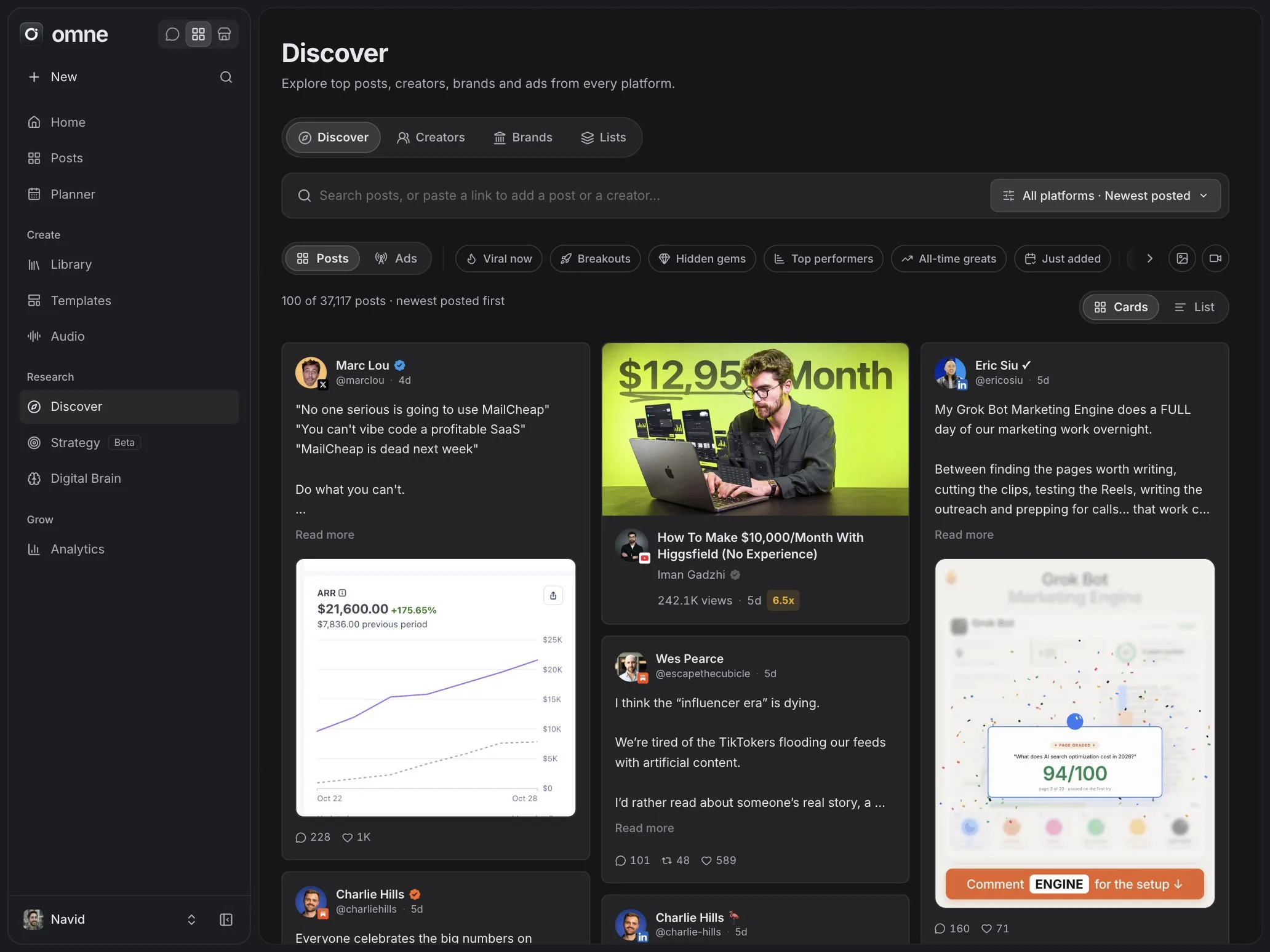
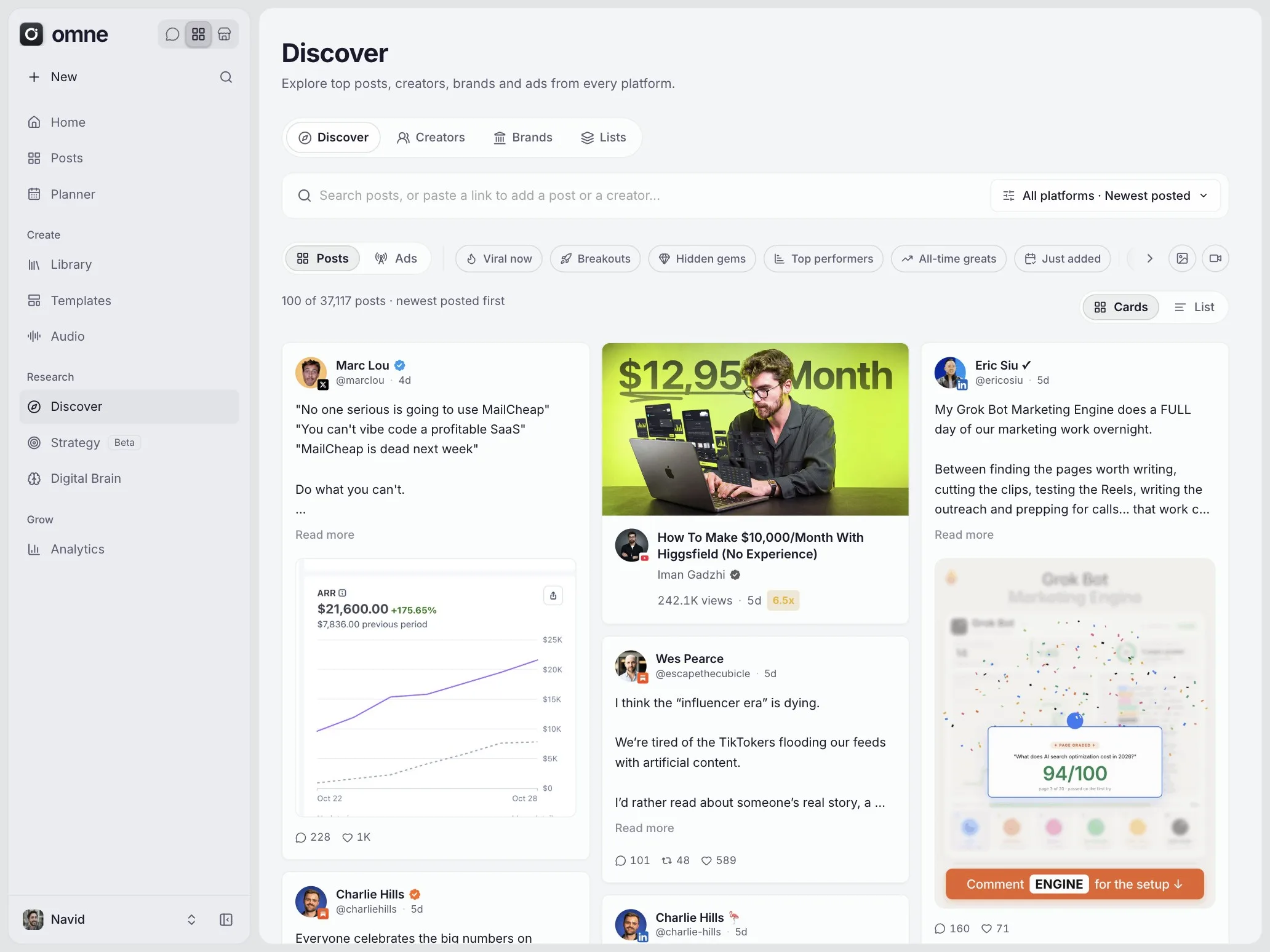
- Discover: posts, ads, creators and brands, with your own lists and saves
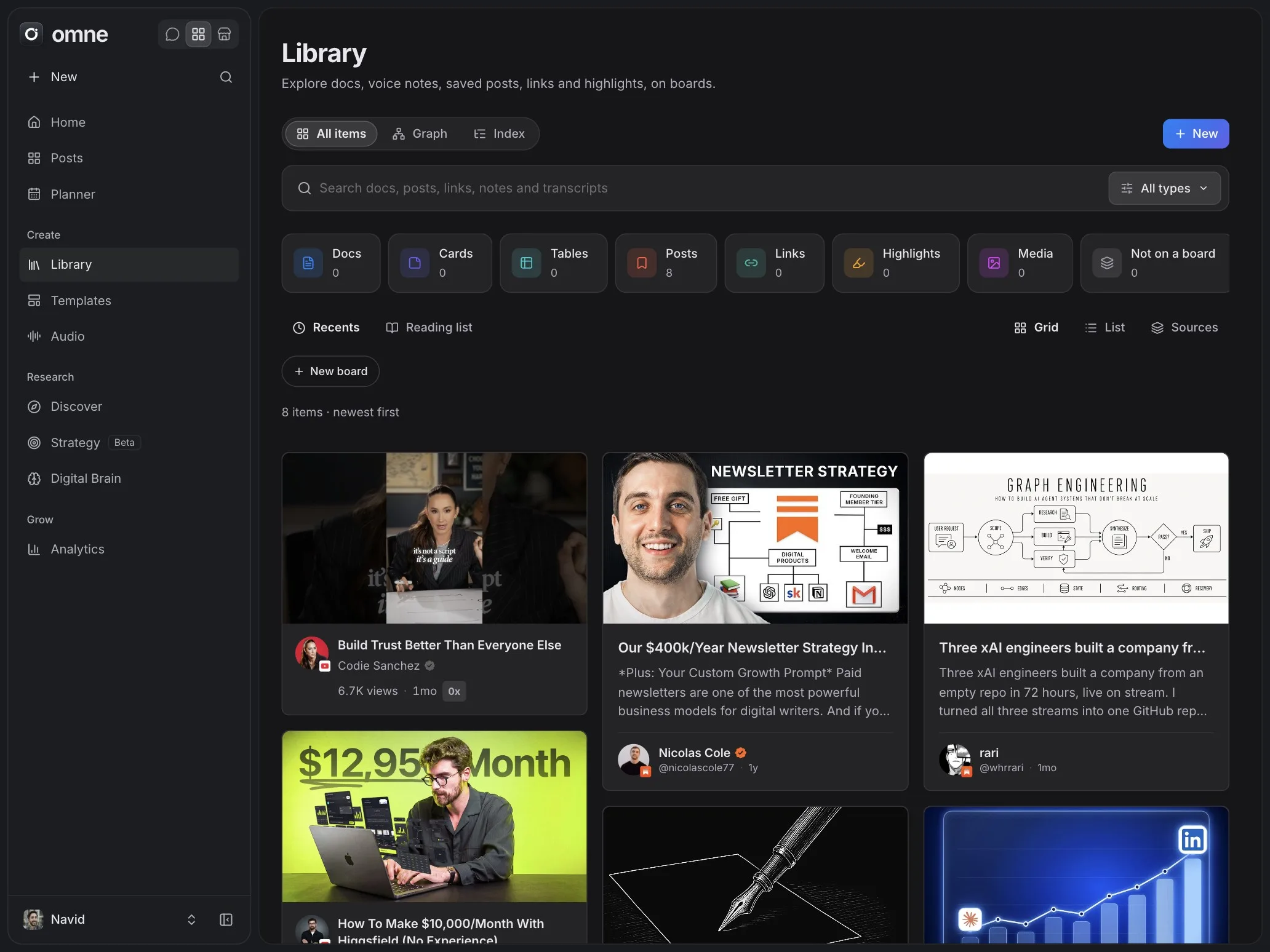
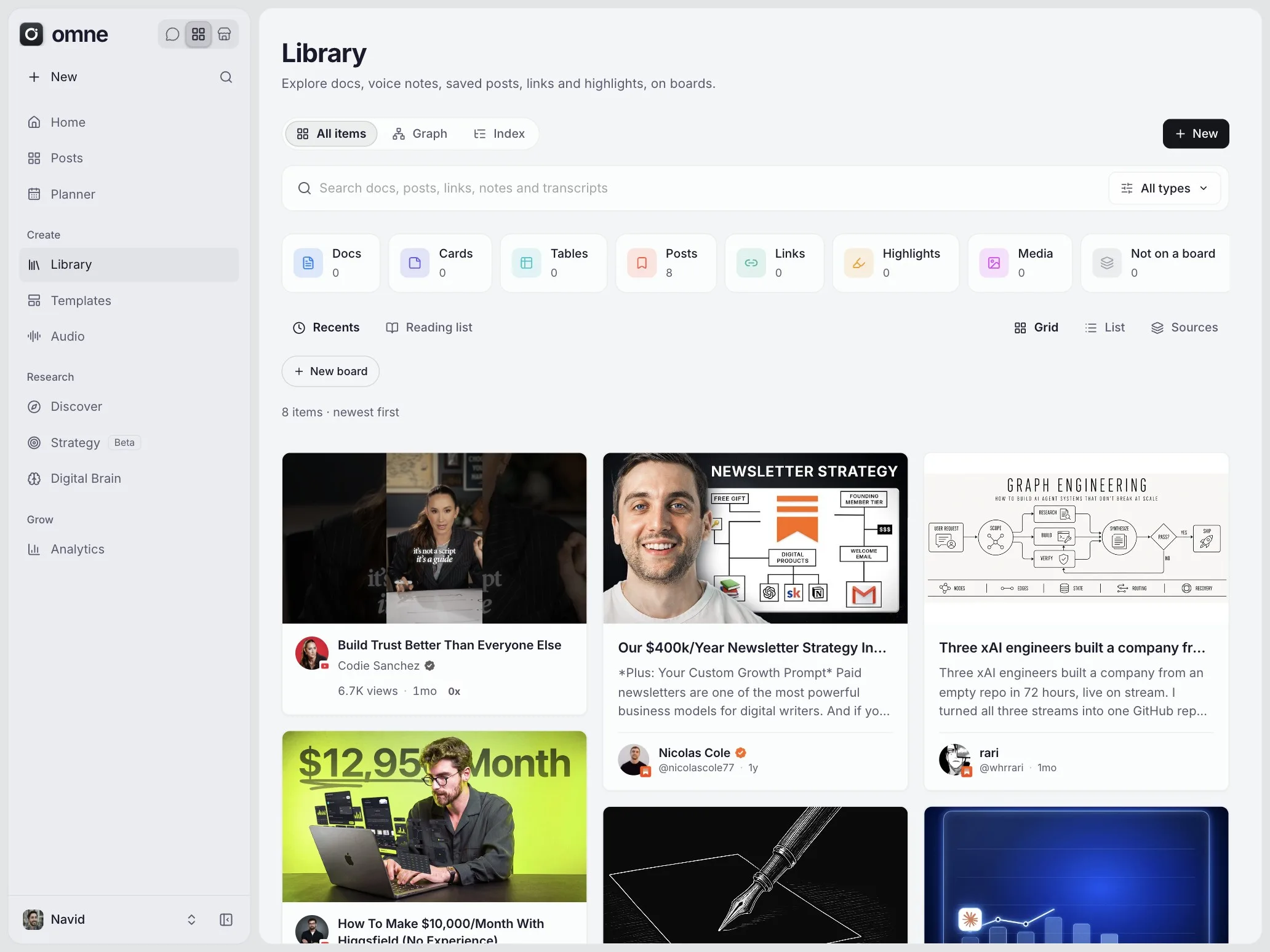
- Library: docs, notes, links, highlights and boards, with search
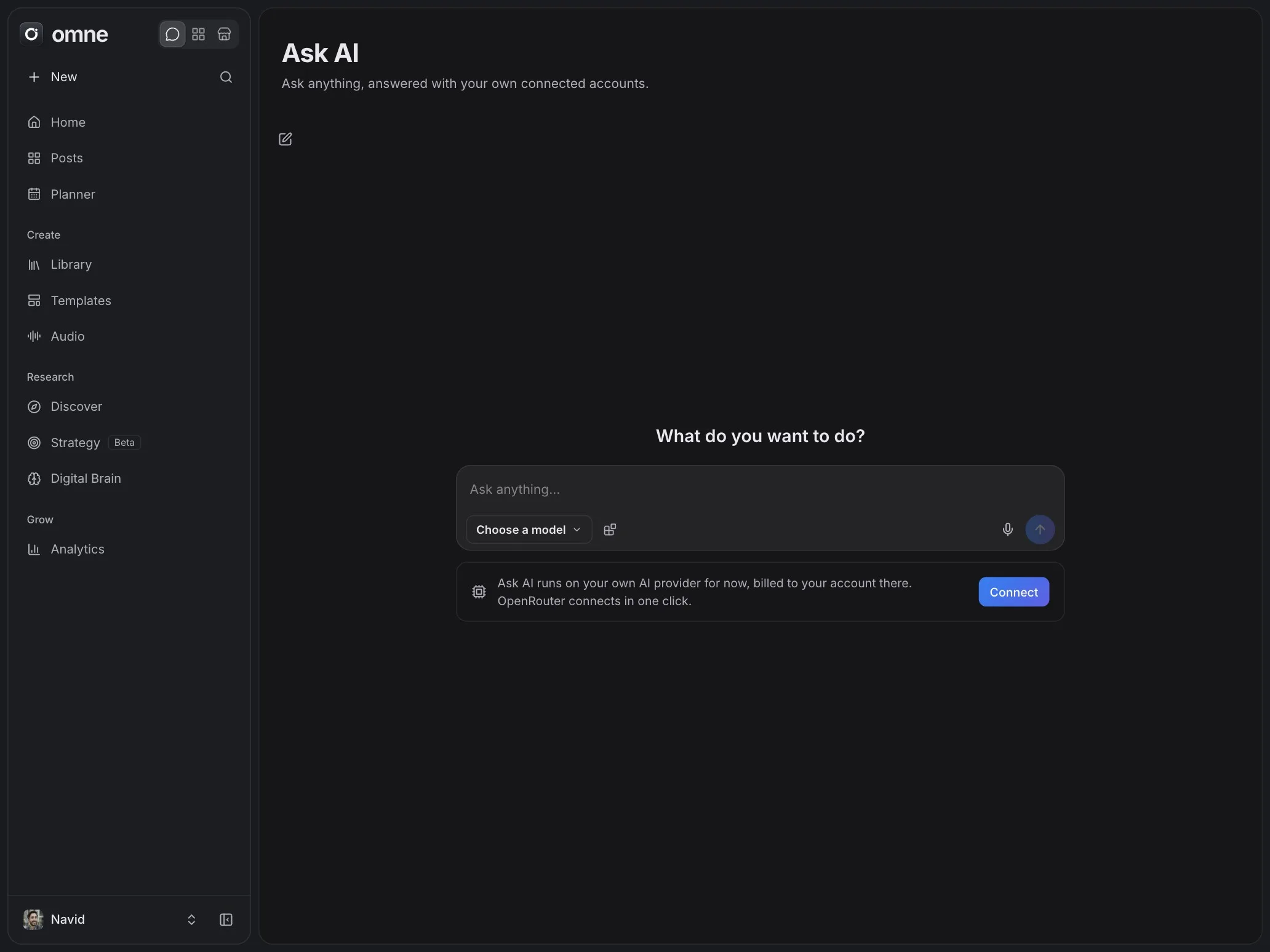
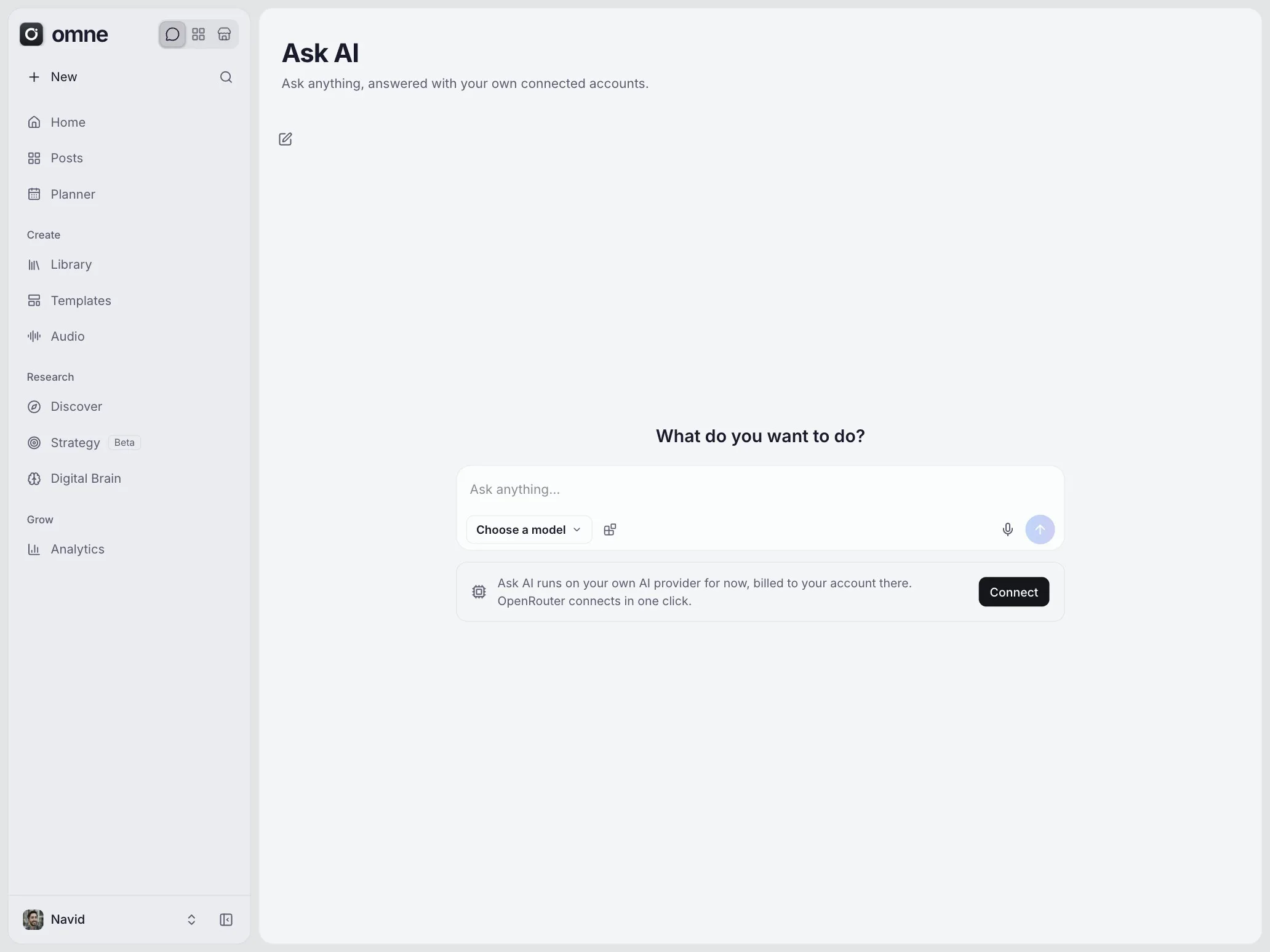
- Ask AI: chat on your own AI account, using the services you connect
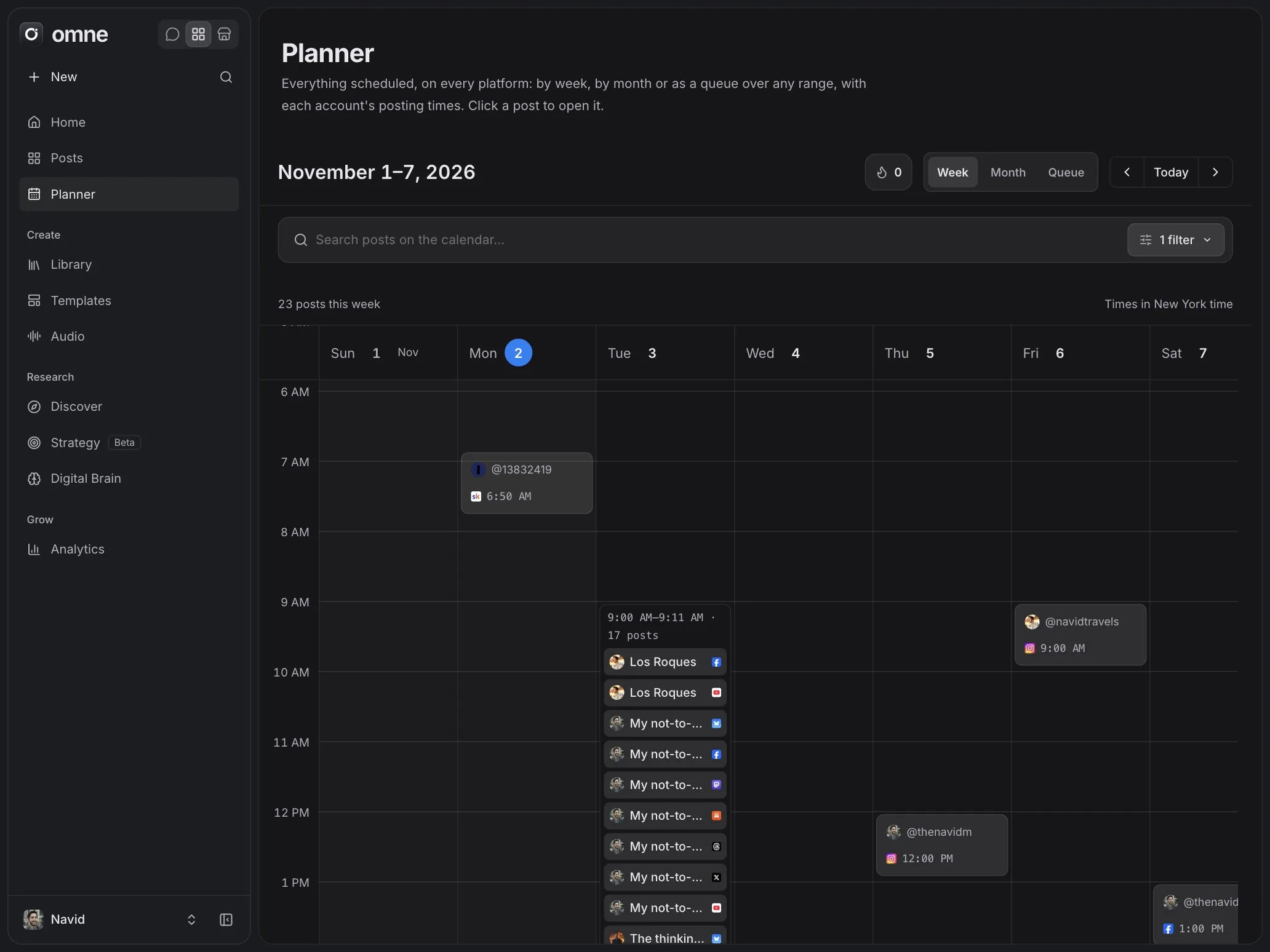
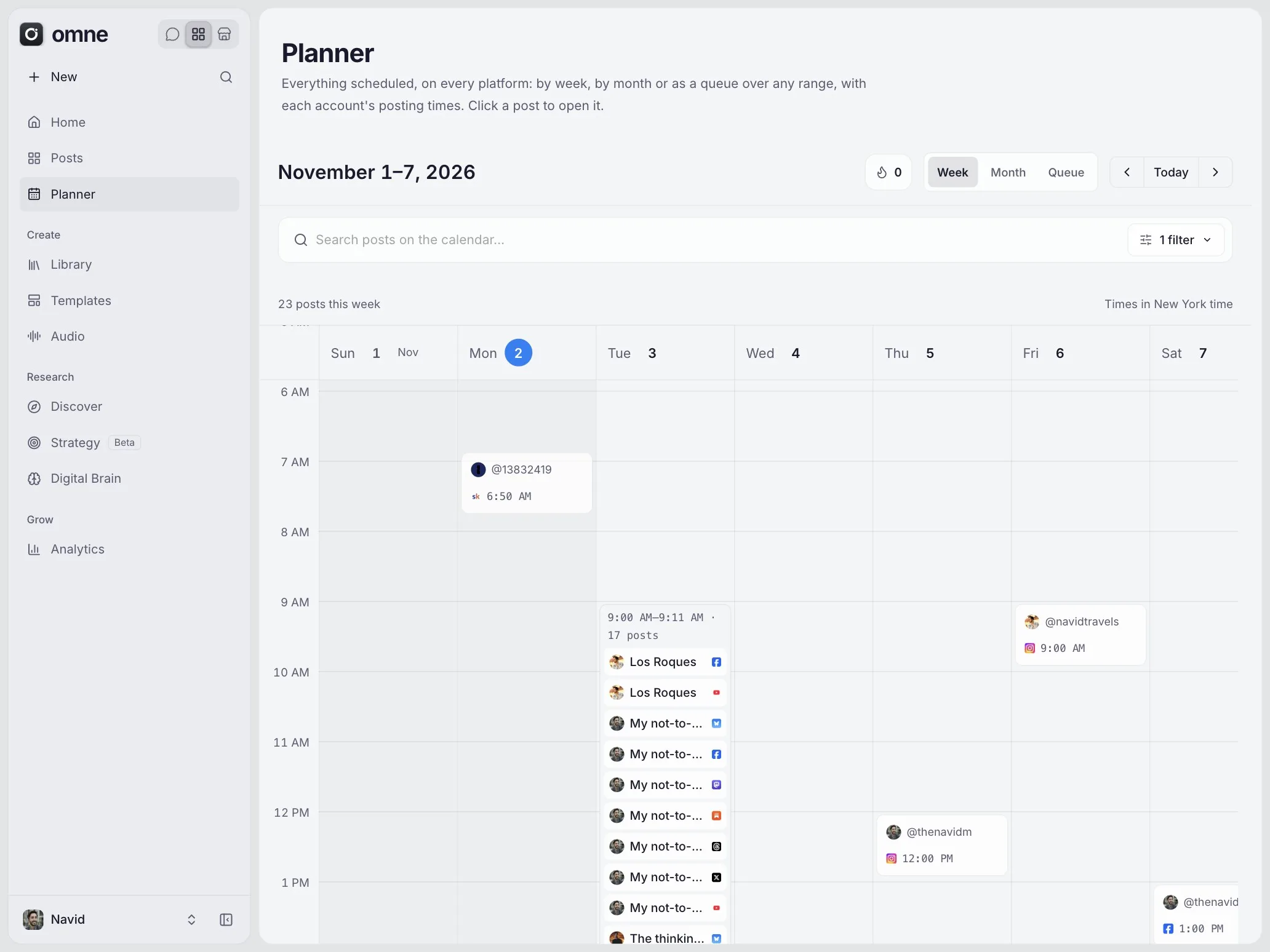
- Planner: drafts and scheduled posts on a calendar
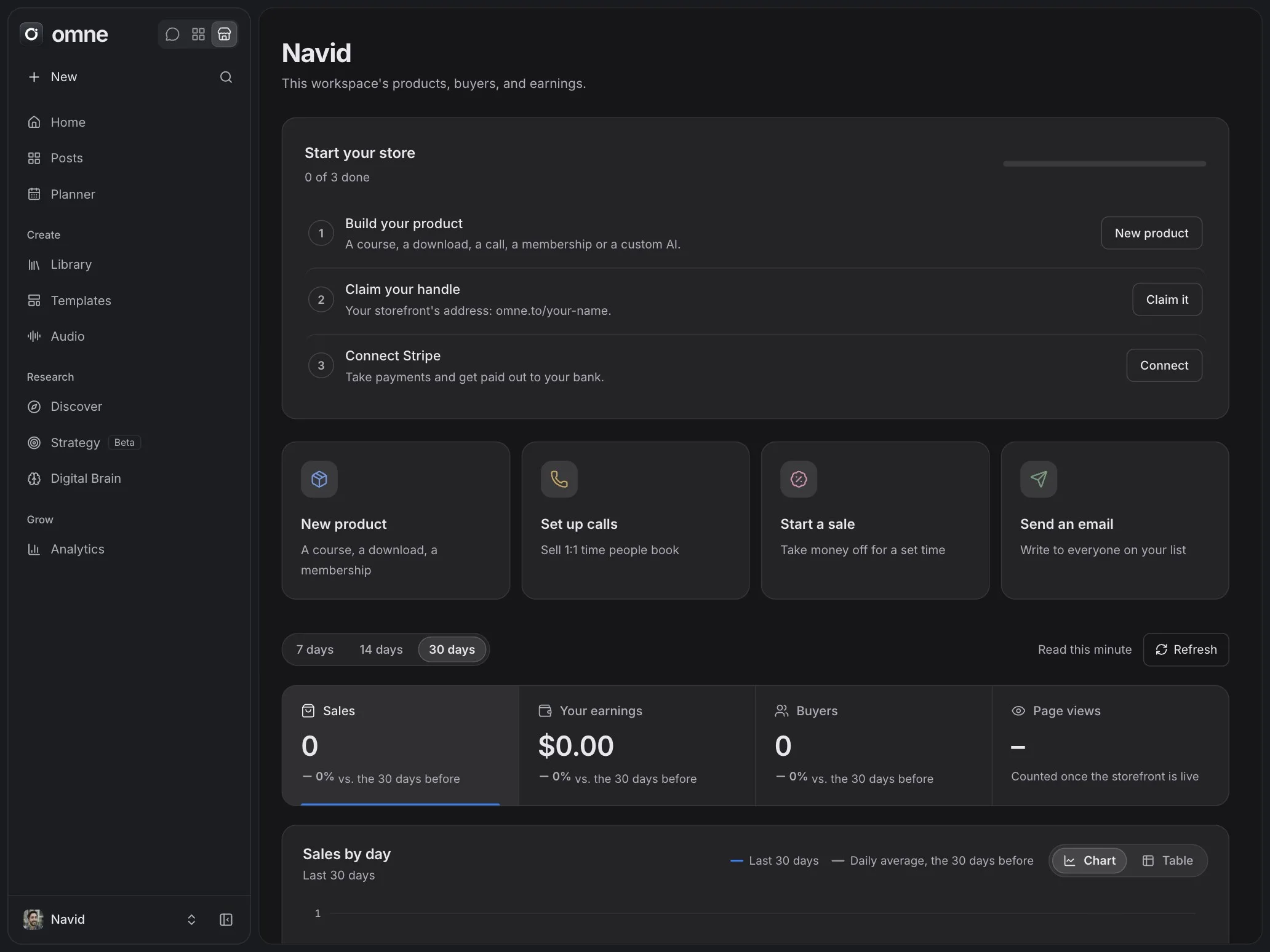
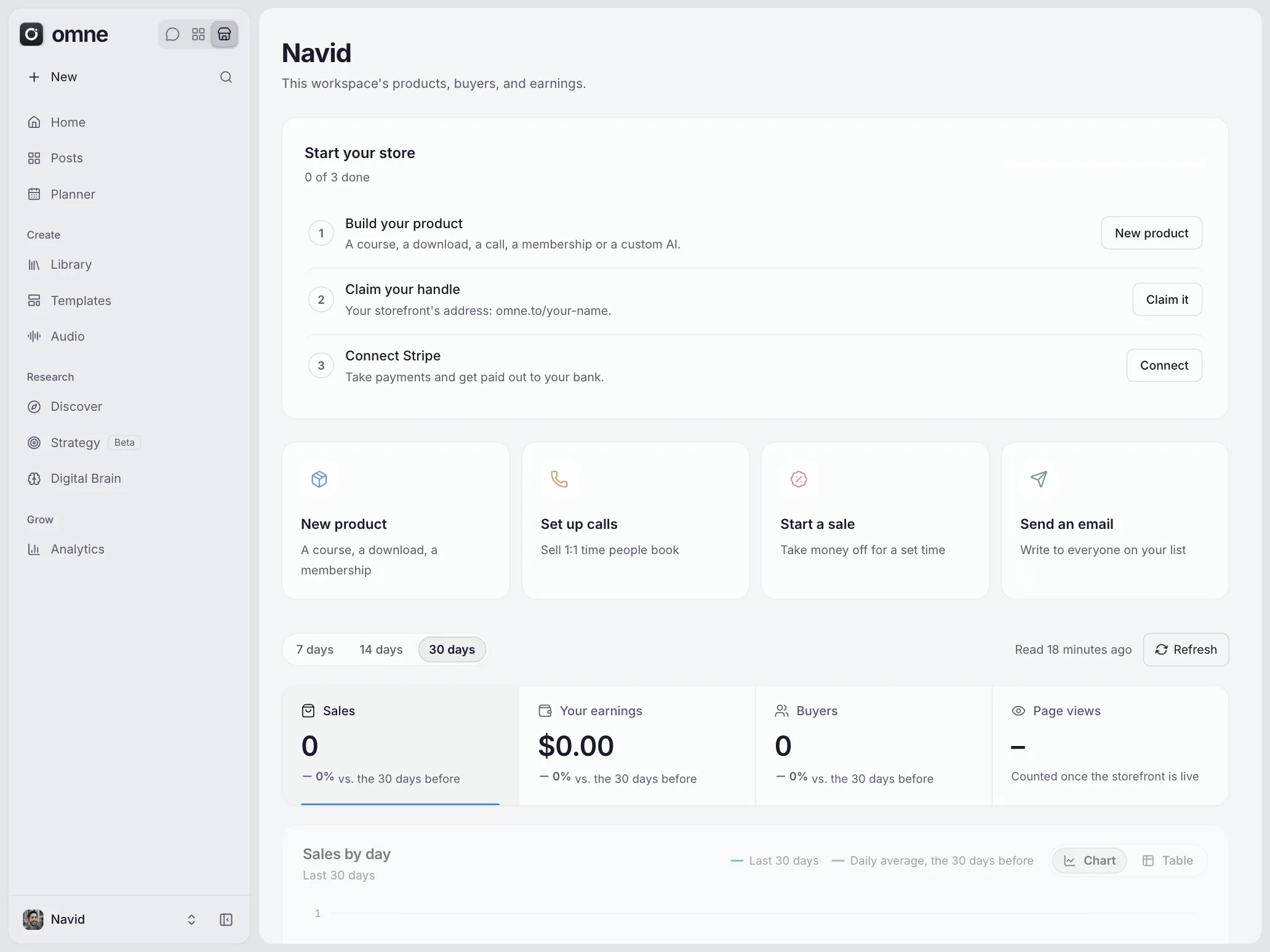
- Store: products, prices, coupons, customers and email drafts
Still to come: checkout, sending email, and automatic posting to most platforms. Each topic on this page says where that part stands.
The stack most creators pay for: something to save ideas, something to research, something to write with, a scheduler, a store and an email tool. Omne's aim is to do those jobs in one workspace on one bill.
Today the research, library and planning parts are in the app. Selling and email sending open later, so plan on keeping your current store and email tool for now. You can move across one job at a time.
Most tools do one job. Omne connects the jobs: what you research sits next to what you save, your AI chat can use the accounts you connect, and your plans and products live in the same workspace.
You can also bring your own AI account, so you choose the model and see the bill. The comparison page sets Omne beside the tools people ask about most.
Omne is built by NM Media LLC, doing business as Navid Media, a Wyoming company. Its founder is Navid Moazzez, who started online in 2013 and hosts the AI Creator Summit.
The company page lists the address and the official accounts, including Omne's Stripe profile, so you can check that a payment really comes from Omne. Anything else using the Omne name is not run by the company. If you'd like to work on it, see careers.
27: Arabic, Chinese (Simplified), Czech, Danish, Dutch, English, Finnish, French, German, Hebrew, Hindi, Indonesian, Italian, Japanese, Korean, Norwegian, Persian, Polish, Portuguese (Brazil), Russian, Spanish, Swedish, Tamil, Thai, Turkish, Urdu and Vietnamese.
The app and this site are both translated. What you write is never translated for you, and Ask AI answers in your language. Legal documents are in English in every language.
Private beta
When Omne opens and how to get in.
Not yet. Omne's private beta opens soon, and sign-up stays by invitation until then. An address that hasn't been invited can't create an account.
No date has been set, so this page won't promise one.
Send a message through the contact form or request a demo, and say what you create or sell. Someone already inside a workspace can also invite you to it with an invitation link.
Nobody is charged today. Omne has a Free plan with no deadline and no card, and paid plans open with the beta. The prices and limits are on the pricing page, and they can still change before the beta opens.
The app already has a switch for opening sign-up to everyone, and it stays off during the beta. No date has been set for turning it on.
Research
Discover, tracked creators, and finding what's working.
Discover is a shared catalogue of public posts, ads, creators and brands. You browse it to see what's getting outsized attention in your niche, then save what's useful to your own lists.
Audio charts, Templates, Strategy and Digital Brain sit beside it.
Public posts only. Omne reads them with no user's login and never touches your personal accounts to do it.
Adding a creator, brand or ad expands the catalogue for everyone. It starts private to your workspace while it is fetched, then becomes public.
No. Your saves, lists and hidden items belong to your workspace. Only the catalogue itself is shared, and each post exists in it once.
Discover is being widened platform by platform. Reading Facebook, LinkedIn, Bluesky, Substack, Mastodon and YouTube Shorts is still to come, and the monthly refresh of tracked creators is being built.
The plans list 3 on Free, 15 on Creator, 40 on Pro, 100 on Max and 150 on Team. The full table is on the pricing page.
Library
Saving posts, links and reading into one searchable place.
Docs, notes, links, saved posts, highlights and boards. You can tag, search, pin, archive and trash them, and your saves are your own even inside a shared workspace.
Four ways:
- Save a post with the Omne browser extension
- Connect a source such as RSS or Readwise
- Forward an email to your private save address
- Write it in Omne
RSS is checked every hour and Readwise every day. A feed list can be brought in as an OPML file.
Tested with real data so far: RSS, Readwise, Instagram saves, browser bookmarks and Pinterest.
Built and still being tested: Substack saved, Mastodon, Bluesky, YouTube likes and playlists, X bookmarks, Snipd, Readwise Reader, Reddit, TikTok favorites, Threads saves, Facebook and LinkedIn. Kindle comes through the extension and isn't proven yet. Spotify, Apple Music and Watch Later aren't built.
Not yet. Uploading files to the Library is still being built, so today the Library holds what you write, save and sync. The storage and file sizes on the pricing page apply once uploads open.
Not yet. Version history is on the way for docs.
Ask AI and agents
Which AI runs, what it sees, and what it can do.
For now, yes. Ask AI runs on an AI account you connect in Settings, billed by that provider. Omne's own AI, paid from the credits on the pricing page, is still being built.
The quickest start is OpenRouter, which connects in one click and reaches many models.
More than 20 for text, including OpenAI, Anthropic, Google Gemini, xAI, Mistral, DeepSeek, Perplexity, Cohere, Together, Fireworks, Cerebras, Moonshot, Qwen and any OpenAI-compatible server.
Media providers include ElevenLabs, HeyGen, Runway, Luma, Kling, fal, Replicate, Ideogram and Black Forest Labs. Your key is checked with the provider, sealed, and never shown again.
It chats on the model you choose and can use the services you've connected that bring tools: accounts connected through MCP, GitHub, and Exa for web search.
Tools that only read run straight away. Anything that changes something waits for your yes, and viewers only get the reading tools.
Not yet. Ask AI's tools today reach your connected services. Tools for your own Library, posts and store are still to be written.
No. Omne has no model of its own to train. A chat sends your provider the workspace's name, today's date, your connected account handles, the conversation and any tool results, and only to answer you.
Because it's your own provider account, your agreement with that provider governs what happens next, so check its settings on training.
Chats aren't stored in Omne's database today. The page holds the conversation while you use it, and each turn sends it to your provider.
They're on the way. Skills, routines, named agents, a public API, an MCP server and a command-line tool are planned, and none of them is open yet. Using an agent you already run on your computer is being built too.
Planner and publishing
The calendar, and which platforms really post today.
Automatic posting runs for Skool. Medium also posts, through the extension, from your own signed-in browser, and that route is still being tested.
Other scheduled posts stay on your calendar and don't go out by themselves yet, so use the Planner to plan them for now.
Bluesky and Mastodon come first, then Substack. Instagram, Facebook and Threads are waiting on Meta's review, and LinkedIn on LinkedIn's. No dates are promised, because some of them depend on those companies.
You can post a video by hand from Omne's TikTok panel. Until TikTok approves Omne, those posts can only be private. Scheduling to TikTok isn't built yet.
It lays out your drafts and scheduled posts on a calendar, so you can see the whole plan at once. The full composer comes after the integrations.
Only partly. The Analytics page shows numbers already imported into your workspace, and TikTok's panel reads your profile numbers and latest 12 videos. Refreshing from each platform's own data isn't connected yet.
Store and links
Selling your own products, getting paid, and short links.
Not yet, because checkout hasn't opened. You can already set up products, prices, coupons, customers and forms. Nothing is charged until checkout is ready.
The pricing page shows what each plan includes when it opens.
Courses, downloads, calls, memberships and custom AIs, priced one-time, recurring or in installments. The course builder, file delivery and custom AI builder are still being built.
You connect your own Stripe account, and each sale is charged directly on it. Omne doesn't hold your money, and Stripe pays out to your bank.
Because the charge is yours, your customers, refunds and disputes are yours as well.
The plan is 0% on every paid plan and 5% on Free, with Stripe's own fee separate on every plan. A $100 sale on Free would mean $5 to Omne. No sale has been charged yet, since checkout hasn't opened.
Yes. Stores are planned at omne.store/your-handle, with your own domain on a paid plan. Neither is live yet.
Omne's link tracker: short links with QR codes and click analytics, and your own domain on a paid plan. It sets no cookie and stores no addresses, counting a visitor as a hash that changes every day. It's built and hasn't been launched.
Lists, broadcasts and sequences.
Not yet. You can draft broadcasts, newsletters, sequences, automations and signup forms. Sending, scheduling and verifying your domain are marked coming soon in the app, and the sending engine is being built.
Creator lists 10,000 contacts and 25,000 sends a month, Pro 50,000 and 100,000, and Max and Team 150,000 and 300,000. Free doesn't include email. The slider on the pricing page works it out for your list.
Not yet. Importing subscribers is marked coming soon. Keep your current email tool running until sending opens.
Not yet. Instagram auto-DMs depend on connecting Instagram, which is waiting on Meta's review. A ManyChat account can be connected by key in the meantime.
Plans and pricing
What each plan costs and how billing works.
Free is $0. Creator is $29 a month, Pro $79, Max $199 and Team $299, and paying yearly costs 20% less. Enterprise is priced by conversation.
The pricing page compares every limit. These prices can still change before the beta opens.
Yes. It has no deadline and needs no card. It lists 100 saved items, 25 AI credits a month, 2 GB of storage and one product to sell, with a 5% fee on each sale. There's no separate free trial of paid plans.
Creator if you're one person starting to sell, post and email. Pro once your list passes 10,000 contacts or you want your own affiliate program. Max if you run your whole business on Omne and use a lot of AI. Team if several people work together or you run content for clients.
Paid plans will be billed in advance through Stripe, monthly or yearly, and renew automatically. You can cancel at any time, and the plan stays active until the end of the period you paid for. Billing isn't switched on yet, so nobody is being charged today.
Payments aren't refunded for periods that have already started, unless the law says otherwise. Omne's terms have the full wording.
Not yet. The limits on the pricing page describe the plans as they will open. Limits, usage warnings and credit counting are being built along with billing.
Yes. The partner page explains how it works and how to apply.
People and clients
Workspaces, roles and client work.
A workspace is one business. It holds that business's content, connected accounts, people and files, and you switch between workspaces from the menu. They come in three kinds: personal, team and client.
Invite them from the workspace's members page. Omne gives you a link to copy and send, because it doesn't email invitations yet. Each person is an owner, admin or member.
Creator, Pro and Max include one person, and each extra person is listed at $15 a month. Team lists unlimited people for one price. Seat billing opens with paid plans.
Client workspaces exist today, and each one points to its team. Team lists your own workspace plus 5 client workspaces, then $19 a month each. Client guests, approvals and reports are planned.
If you're a large team that needs custom terms, invoices or more usage than Team includes. Single sign-on and user provisioning are planned for it. Get in touch to talk it through.
Apps and extension
Mac, Windows, phones and the browser extension.
They're built and not yet released. The desktop app opens Omne in its own window. It needs signing and an update feed before other people can install it, so there's no download yet.
It's in development and not in the App Store or Google Play yet. The phone app shows Omne inside a native frame. Native screens, the share sheet and widgets are planned for later.
In any modern browser at app.omne.so, once you've been let in. Everything else opens from that same app.
Yes, for Chrome, and it isn't on the Chrome Web Store yet. It saves posts from many platforms, reads creators in a side panel, and connects Skool, Substack and Medium. Automatic Instagram and Kindle sync stay off until you turn them on.
Not yet. Offline writing is planned for the desktop app.
Integrations
Connecting your other accounts.
The catalogue lists more than 240 services, in Settings, across social platforms, AI providers, email, payments, storage and work tools. About 50 are marked soon.
They're being proven one by one, so a service you can connect may not have been tested with a real account yet.
Omne stores its token sealed, and uses it only where a feature calls for it: Ask AI through MCP, or that service's own panel. Connecting an account doesn't copy everything into Omne.
Disconnecting revokes access at the platform where it can and wipes what Omne fetched.
Google shows that notice until it has reviewed an app, and its review of Omne hasn't finished. You can continue past the notice if you choose to, and disconnect at any time.
Not yet. Importing is marked soon in Settings. Until then, connecting a sync source is the way to bring things in.
Privacy and security
Where your data lives and how it's protected.
The app and database run on Hetzner in Germany, and files are held on Cloudflare in Western Europe. The database has no public port. Omne's subprocessors page lists every company involved and where each one runs.
You do. Everything you create or save remains yours, and so do your subscribers and buyers.
With a one-time code sent to your email, so there are no passwords to steal. You can also sign in with Google, GitHub, LinkedIn, Facebook, Discord or Twitch, and you can see and revoke your sessions in Settings.
Connected account tokens and pasted keys are sealed with AES-256-GCM and never sent back to the browser. Every request checks your access to the workspace, and sign-in codes are limited per address.
An internal audit against OWASP ASVS 5.0 in October 2026 found gaps, and fixes are still going in. Two-factor sign-in isn't available yet.
No, not yet. Omne doesn't hold either certification.
Yes, for the Library. A workspace export gives you a zip with docs and cards as Markdown, links and posts as CSVs of their source addresses, and highlights in one Markdown file. Subscribers, customers, orders and analytics aren't in it yet.
You can permanently delete Library items, disconnect an account, or delete a whole workspace as its owner, after typing its name.
There's no delete-account button yet, so write to support@omne.so and your request will be answered within 30 days.
Omne acts as controller for your account data and as processor for your workspace's content. A data processing agreement is available on request from support@omne.so, and standard contractual clauses apply when data leaves the EU, EEA, UK or Switzerland. The details are in the privacy policy.
At least 16.
Support
How to reach the team.
Use the contact form, or write to support@omne.so for product, press, partnership and privacy questions. Partner applications go to partners@omne.so.
Within 1-2 business days. Privacy requests are answered within 30 days.
Yes, and it's a good time to. Send it through the contact form with what you're trying to do and what you use today.
The blog has guides on AI and running a creator business, the comparison page sets Omne beside other tools, and the pricing page has every plan and limit.
No questions match that search.
Ask the Omne teamStill deciding?
Run your entire business from one AI-native workspace.
Omne's private beta opens soon. Request a demo and the team will show you around.